
Your file stays your file
Entries are rendered into a block between markers. System lines, other tools’ blocks
and hand edits are carried over byte for byte — verified by tests that run against a
copy of a real /etc/hosts.
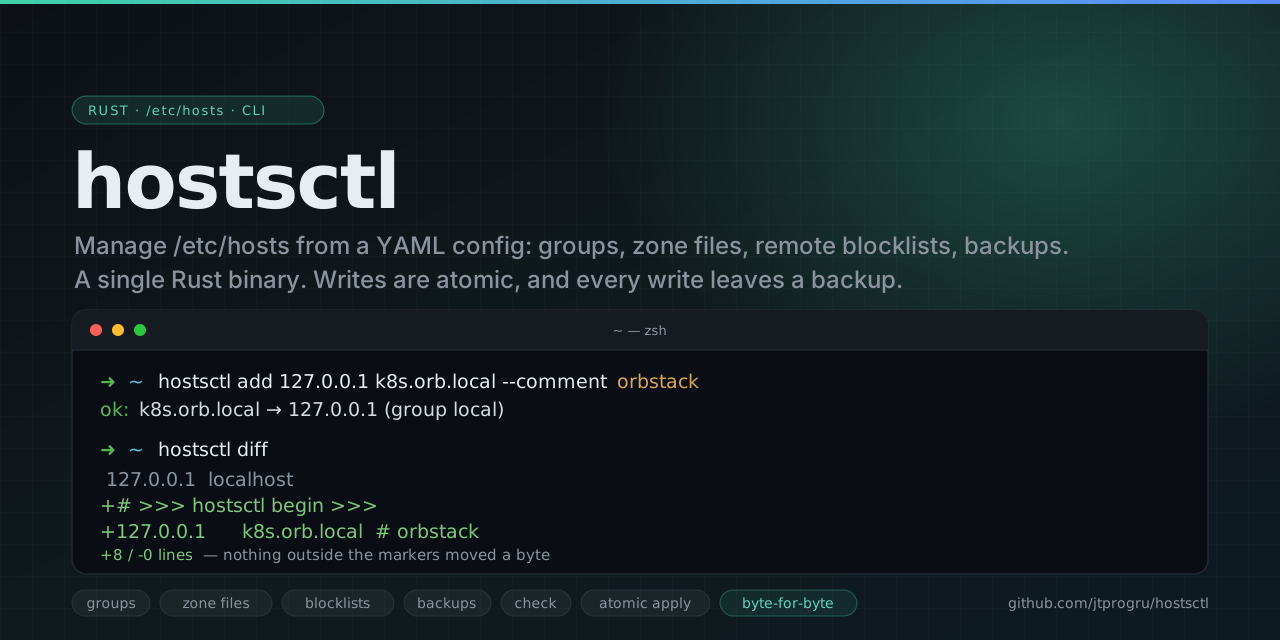
Install it and create a config:
brew install jtprogru/tap/hostsctlhostsctl initAdd an entry — it goes into the config, not into /etc/hosts yet:
hostsctl add 127.0.0.1 k8s.orb.local --comment orbstackLook before you write. diff needs no root and changes nothing:
hostsctl diffApply it:
sudo hostsctl applyThe result in /etc/hosts:
127.0.0.1  localhost          ← system lines, untouched255.255.255.255  broadcasthost
# >>> hostsctl begin >>># generated by hostsctl 2026-08-11 17:15# source: /Users/you/.config/hostsctl/config.yaml — edit that, not this block
# --- local — Local development ---127.0.0.1 k8s.orb.local # orbstack# <<< hostsctl end <<<Your file stays your file
Entries are rendered into a block between markers. System lines, other tools’ blocks
and hand edits are carried over byte for byte — verified by tests that run against a
copy of a real /etc/hosts.
Groups you can switch off
A group is enabled or disabled as a whole. Turn a blocklist off for an afternoon, turn it back on, and nothing in the config was lost in between.
Config split across files
Keep everything in one config.yaml, or spread it over zone files — plain hosts
syntax or YAML. Edits made through the CLI go back to the file the group came from.
Honest about failure
Atomic writes with fsync and rename, a snapshot before every write, a refusal to
produce a file without 127.0.0.1 localhost, and an exit code for every way a run can
go wrong.
New here? Read the two pages under Start here, then come back for whichever guide matches what you are trying to do.
hostsctl does not resolve names — /etc/hosts does, with all of its limits. Wildcards,
ports and paths in a hostname do not work there, so
hostsctl check rejects them instead of letting the system
ignore them silently. For wildcard domains you want dnsmasq or /etc/resolver/.